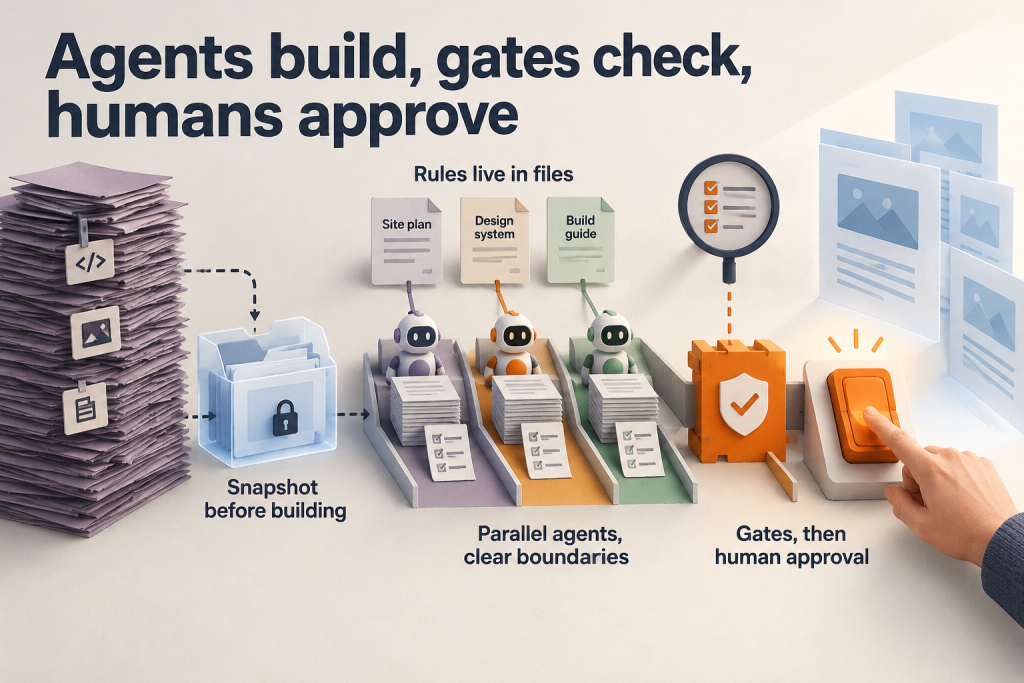
We write our own blogs and articles with Presskit, and we have now open-sourced it under the MIT licence. Presskit is a self-hosted content studio on Cloudflare Workers. It turns briefs, web pages and uploaded documents into website articles, LinkedIn posts, email EDMs and WhatsApp copy, then exports the drafts rather than publishing them.
This guide explains how one brief becomes up to four channel-ready drafts, how each draft stays tied to its sources, and what you need to run it. If your team wants to repurpose content across channels with AI while keeping control of what goes live, here is how it works.
What Presskit is and why we open-sourced it
The project README describes Presskit as a self-hosted, source-grounded content studio. You give it a brief plus web pages or documents, and it builds website articles, LinkedIn posts, email EDMs and WhatsApp or chat copy from that material. That makes it useful beyond blogging: the same research can feed a newsletter, a social post and a marketing message in one run.
The code is public on GitHub under the MIT licence, so you can inspect, modify and deploy it on your own Cloudflare account. At the time of review, the repository showed four commits and no stars or forks, so treat it as a working tool shared openly rather than an established community project.
One design choice is deliberate. Presskit exports its results and never publishes them to external channels. Your team reviews each draft and decides what goes live, where and when.
From one brief to four channels: how the workflow runs
A run starts with three kinds of input: a brief of up to 12,000 characters, up to 10 source URLs, and one upload per submission of up to 10,000,000 bytes. Supported formats include PDF, DOC/DOCX, PPT/PPTX, XLS/XLSX, CSV, TXT, HTML and Markdown.
Presskit then runs a readiness check. It assesses whether your sources support the brief before any writing begins, so gaps surface early rather than in a finished draft.
Next, you choose an angle and confirm up to four destinations, for example WordPress and WhatsApp. Channel-specific instructions, such as tone for LinkedIn or a call to action for the EDM, belong in the brief.
Research is shared across the run. Each channel then gets its own writing checkpoints, draft, review, channel-sized image and exports. Output runs up to 2,000 words, with shorter limits for individual channels.
Work runs in background queues with saved checkpoints and recovery, so you can close the browser and reopen the run later.
Built-in review, and where human judgement still matters
Every draft goes through a fixed loop: plan, write, independent review, revise. Retries are bounded, so a stubborn issue cannot trigger endless AI calls.
When review still flags problems after those retries, you have two options:
- Accept the exceptions. Inspect the saved draft and continue without further writing or review calls. Your acceptance is tied to that exact saved content, recorded separately from automated approval, and the findings stay visible.
- Request a paid recheck. Presskit runs the review again.
Accepting exceptions stops further writing and review calls, but any remaining image generation can still incur charges.
Images are prompted to keep crop-safe margins. Landscape images reserve 20% at the top and bottom, square images reserve 30%, and every image reserves 10% at each side, with key subjects and text kept central. Image models do not always follow these prompts and platforms crop differently, so the README advises checking the actual destination preview.
Two limitations remain. With larger source collections, Presskit selects excerpts, and this selection can miss supporting details. Generated facts and images also need human review before publication.
What you need to run it yourself
Presskit runs on your own infrastructure, so you supply the accounts and tools. The README lists:
- Node.js 22, npm and Python 3 (used for account management)
- A Cloudflare account on Workers Paid, with access to D1, R2, Queues, Browser Rendering and Workers AI
- Your own Anthropic and OpenAI API accounts
Budget for running costs. The README gives no cost figures, but provider usage and Cloudflare resources both incur charges, and each extra channel adds AI usage.
You control access. Presskit supports administrator-created email/password accounts, Google sign-in or both. There is no public signup, so an administrator provisions every user.
Setup follows a clear sequence: clone and install, create the Cloudflare resources, set your configuration, store secrets, apply the database migrations, deploy, then confirm the installation by opening /healthz. The README sets out each command and caution, so follow it directly.
One caveat: the configured model IDs are configuration choices, and availability depends on your provider accounts.
To review the code or deploy your own instance, start with the README in the Presskit repository.